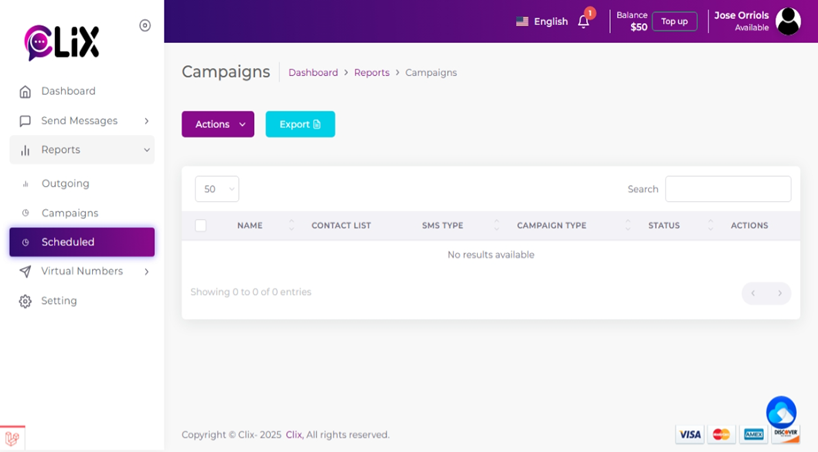
To view messages that have been schedule but not yet sent in CXT:
1. Go to ‘Send Messages’ on the left side panel and then click ‘Reports’.
2. Here you can view all of your scheduled messages along with their status.

To view messages that have been schedule but not yet sent in CXT:
1. Go to ‘Send Messages’ on the left side panel and then click ‘Reports’.
2. Here you can view all of your scheduled messages along with their status.