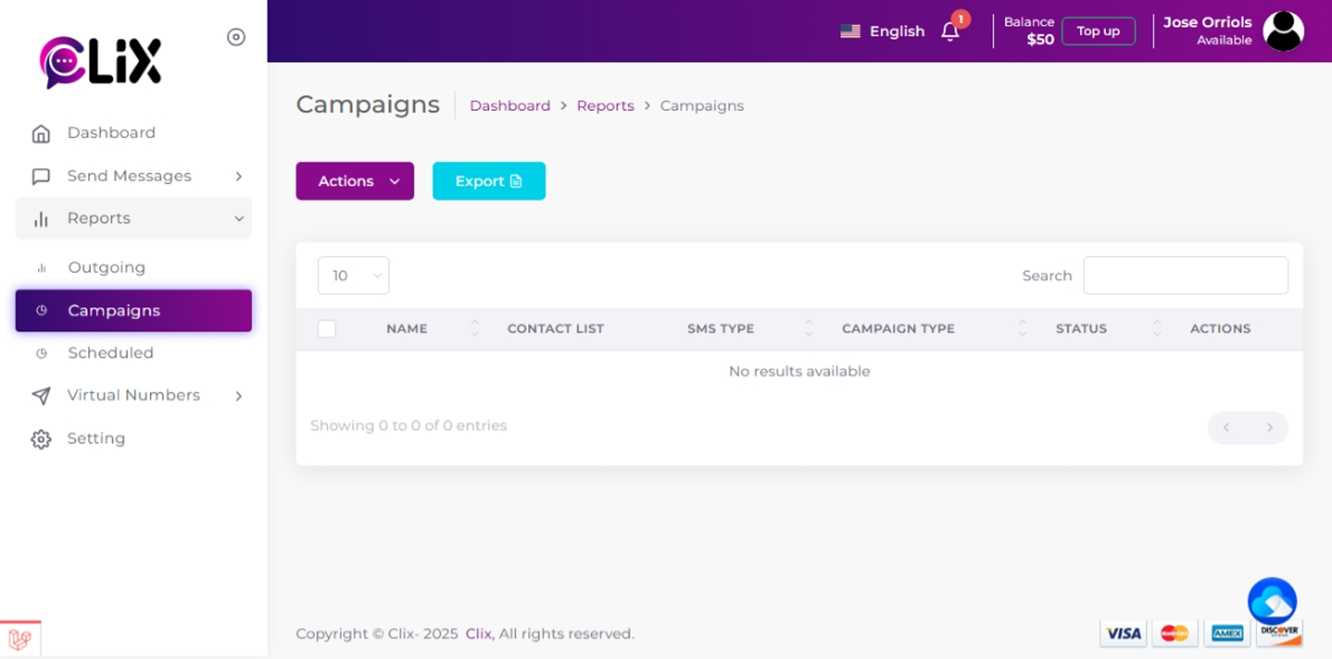
Guidelines for accessing detailed SMS campaign reports, covering incoming, outgoing, and scheduled messages.
To access reports on incoming, outgoing, or scheduled SMS, as well as incoming MMS for your campaigns:
1. Go to the left side panel of the CXT and then click ‘Reports’ then click ‘Campaigns’ to see a list of all of your campaigns.
2. Then click the graph icon next to the campaign you would like to view reports on.
NOTE : Campaigns sent using shared numbers will display only replies received within 48 hours in their reports.
If the campaign was sent from your dedicated virtual number, it will display all replies received within 30 days, rather than just 48 hours